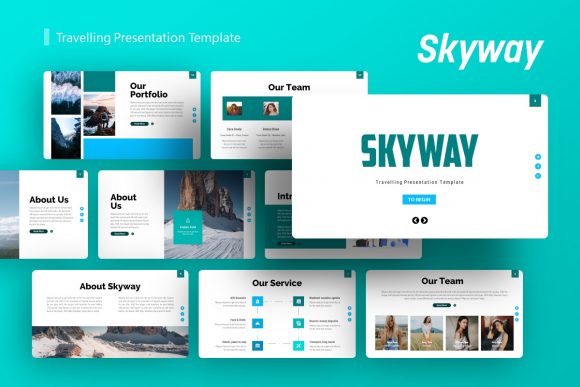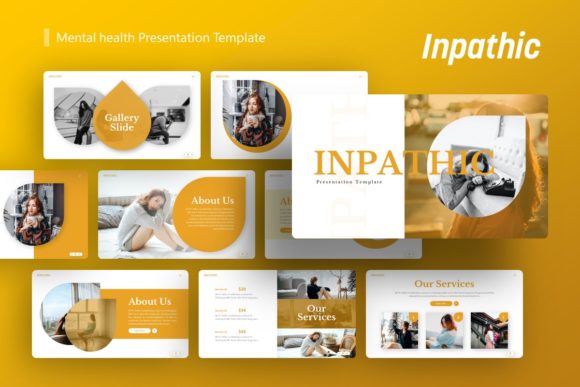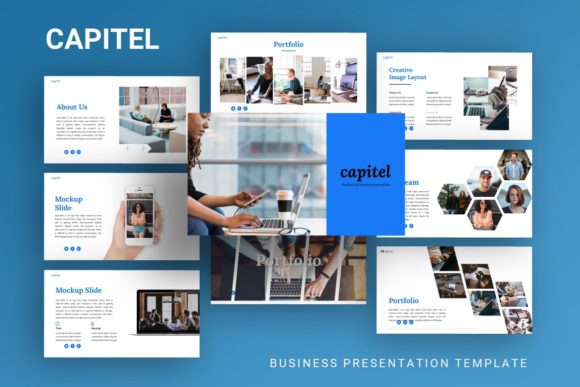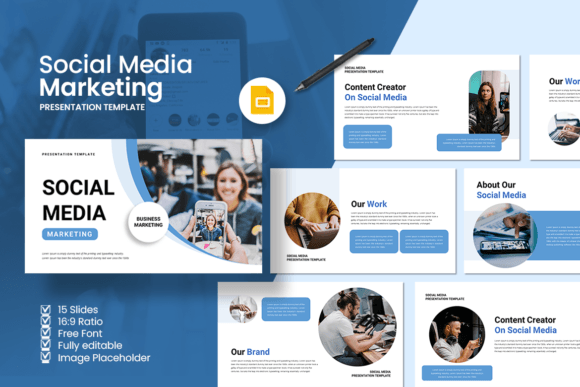
Design Your Next Event with a Pro Template
More Than Just Slides: A Complete Event Toolkit
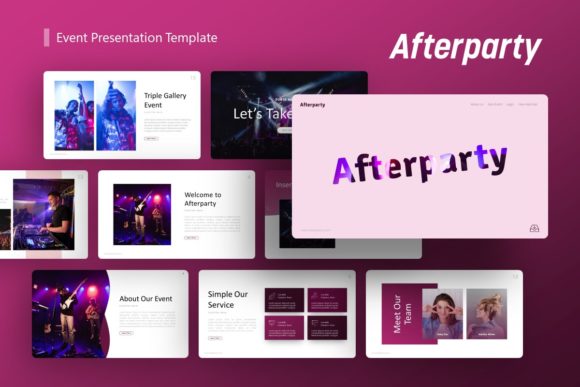
Let's be honest: creating a presentation from scratch for an event is a massive time sink. You're already juggling speakers, logistics, and marketing. The last thing you need is to wrestle with inconsistent slide designs, mismatched fonts, and generic graphics. This is where a dedicated presentation template becomes a game-changer. The "Afterparty Event Presentation" template isn't just a collection of pretty slides; it's a strategic asset designed to give your event a polished, professional, and cohesive visual identity from the first announcement to the final recap. It understands that an event's visual language needs to work across multiple touchpoints—pitch decks, social media teasers, on-screen schedules, and post-event portfolios.
What sets this particular event template apart is its thoughtful construction. Built on a foundation of 36 meticulously designed slides, it offers a balanced mix of layouts. You'll find bold title slides to set the tone, clean agenda slides for schedules, impactful speaker profiles, and data-friendly slides for sponsors or logistics. The visual personality strikes a modern, clean, and slightly dynamic feel—professional enough for a corporate conference yet energetic enough for a creative festival or startup launch. The use of pixel-perfect illustrations and handcrafted infographics within PowerPoint itself means you get that custom-designed look without needing advanced design software. It’s a practical toolkit that respects your time and elevates your output.
Unlocking Versatility: Where This Template Truly Shines
The real value of a tool like the Afterparty template is its sheer versatility. It’s engineered to be a starting point for a wide array of projects, making it a smart investment for professionals across fields. A creative agency can use it to pitch a new client with a stunning visual proposal, complete with portfolio slides and service breakdowns. For a company profile presentation, the clean layouts and structured infographics help convey corporate information clearly and engagingly. Entrepreneurs and startup founders will find the pitch deck slides invaluable for telling their story to investors, with dedicated sections for problem, solution, market size, and team.
Beyond the boardroom, the template’s applications are equally compelling. Photographers and designers can adapt it into a sleek portfolio presentation. Marketers can build campaign briefs or social media strategy decks that look consistently on-brand. For personal portfolio use, the customizable nature allows you to inject your own style, turning a corporate tool into a reflection of your personal brand. The key is in the easy customizable contents and Master Slides. Changing the global color scheme, swapping fonts, or updating the logo across all 36 slides takes minutes, not hours. This ensures your brand identity remains consistent, which is crucial for recognition and professionalism.
Practical Guidance: Making the Template Work for You
Acquiring a premium font or template is the first step; using it effectively is the next. Here’s how to get the most out of the Afterparty Event Presentation. First, evaluate the fit. Before diving in, look at the template's style. Does its modern, clean aesthetic align with your event's or brand's personality? If your brand uses a playful, script font and vibrant colors, you'll need to dedicate time to customization. The structure is your foundation; the visual layer is yours to build.
Next, focus on font pairing and readability. The template likely uses its own typeface choices. While you can change them, maintain hierarchy. Use a strong sans serif font for headlines and a highly legible serif or sans serif for body text. Avoid using more than two or three fonts to keep the design clean. Test your slides on different screens—a projector, a laptop, a phone—to ensure text is readable at all sizes. The picture placeholder, drag & drop feature is a huge time-saver. Use high-quality, relevant images that tell your event's story. Don't just fill space; every visual should have a purpose.
Finally, leverage the included assets. The vector icons are perfect for adding visual cues to schedules or key points without cluttering the slide. Use the documentation file to understand how the Master Slides