Quilosse – Creative Business: A Google Slides Template for Modern Brands
When you're building a presentation for your business, the template you choose does more than hold your content—it sets the tone. Quilosse – Creative Business is a Google Slides template designed to give your ideas a polished, contemporary framework. It's built for people who need to communicate clearly and look good doing it, from agency pitches to portfolio showcases.
What Exactly Is Quilosse – Creative Business?
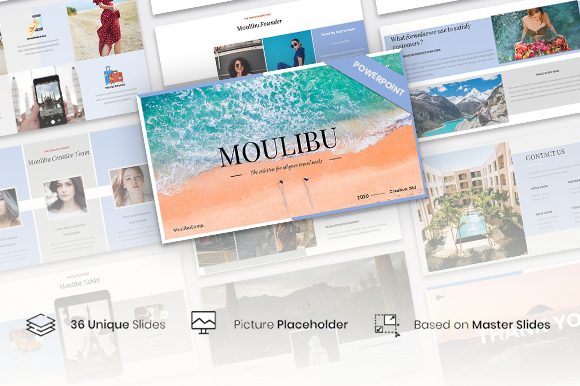
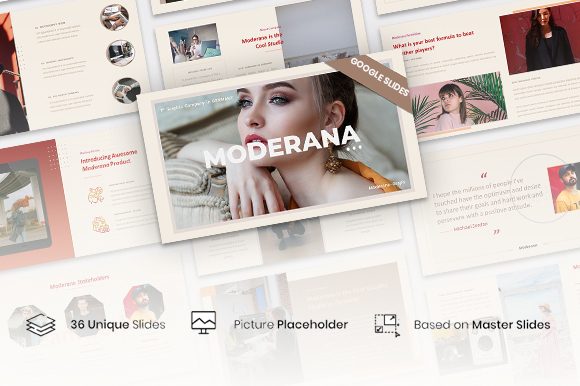
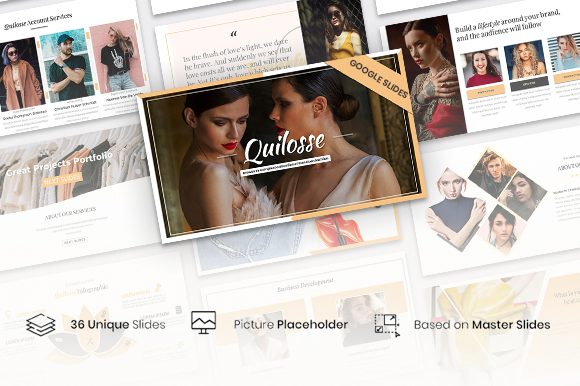
At its core, Quilosse – Creative Business is a collection of 36 pre-designed slides. You can use it directly in Google Slides or export it as a PPTX file for PowerPoint. The template is built on master slides, which means you can make global changes to fonts, colors, and layouts in one place. It uses a 16:9 widescreen ratio, which is standard for most modern displays and projectors.
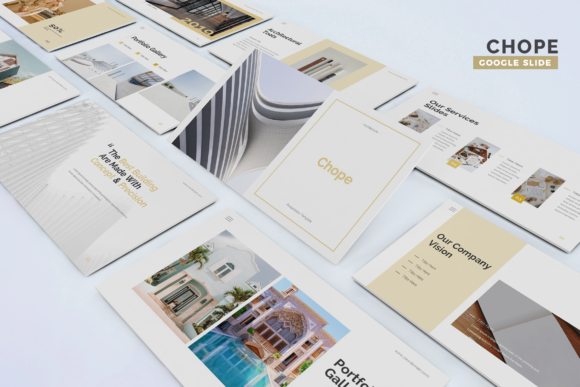
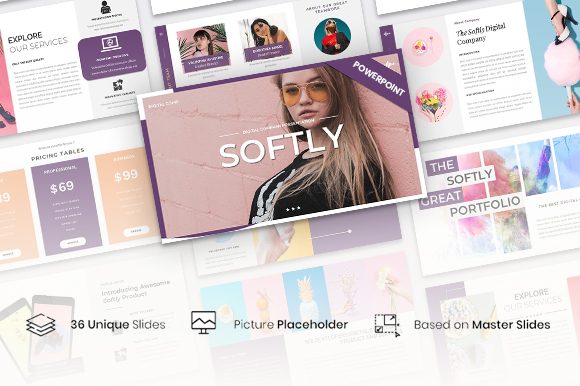
The visual style leans into a modern typography sensibility. It’s clean and structured, with a balance of white space and bold graphic elements. The design personality is professional yet approachable—serious enough for a corporate boardroom but creative enough for a design studio. It avoids overly ornate details, focusing instead on clarity and visual impact. This makes it a versatile design asset that can adapt to different brand voices.
Where This Template Shines: Practical Applications
The strength of Quilosse – Creative Business is its adaptability. Here’s where it works best:
- Business and Company Profiles: Use it to present your mission, services, and team. The structured layouts help build a narrative that feels organized and credible.
- Portfolios: Whether you're a photographer, designer, or writer, the picture placeholders let you insert your work in one click. This is perfect for creating a visual portfolio that doesn’t distract from the content.
- Creative Agencies and Marketing Pitches: The template’s modern typography and clean layouts help you present campaigns, strategies, and results with confidence. It supports the kind of visual hierarchy that guides an audience through complex ideas.
- Product Launches and Packaging Concepts: The slides can frame product images and key benefits effectively. It’s a useful tool for presenting packaging design concepts or product roadmaps to stakeholders.
- Internal Communications and Training: For workshops, team updates, or training modules, the template provides a consistent and professional look that keeps information front and center.
Think of it as a starting point. The template handles the heavy lifting of layout and design consistency, so you can focus on crafting your message and selecting the right images.
How It Influences Your Presentation’s Impact
A template isn’t just about decoration; it’s a tool for communication. Quilosse – Creative Business can directly influence how your audience perceives your content.
Readability and Visual Hierarchy: The slides use clear headings, subheadings, and body text areas. This built-in structure helps you organize information logically. Good visual hierarchy ensures your audience knows where to look first, second, and third, which is crucial for keeping their attention.
Brand Perception and Consistency: Using a cohesive template across all your presentations reinforces your brand identity. The consistent use of color, shape, and typeface styles throughout Quilosse – Creative Business helps create a unified look. This consistency builds recognition and professionalism, making your brand appear more established and reliable.
Audience Engagement: A cluttered or outdated template can be distracting. The clean, modern design of this template provides a calm backdrop for your content. When the design doesn’t fight for attention, your ideas, data, and stories can come through more powerfully.
Practical Guidance for Using This Template
Getting the most out of Quilosse – Creative Business involves a few simple steps.
- Evaluate the Fit: Look at the 36 slides. Do the layouts match the type of content you have? If you’re heavy on data, check if there are enough chart-friendly slides. If you’re showcasing visuals, ensure the picture placeholders are in the right spots.
- Customize Thoughtfully: The template is easily editable. Start by changing the color palette to match your brand. Then, swap out the placeholder text and images. Remember, the font pairing in the template is already designed to work well together, but you can adjust sizes for emphasis.
- Test Your Content: Once you’ve added your content, do a full run-through. Check for readability from the back of the room (or on a small screen). Are your key points clear? Does the visual hierarchy guide the eye correctly?
- Understand the Files: You’ll get a Google Slides file and a documentation file. The documentation can help you understand the template’s structure. Remember, the demo images are for preview only; you’ll need to use your own.
Ultimately, Quilosse – Creative Business is a practical design asset. It’s not a magic solution, but a well-structured starting point. By using its clean framework and adapting it to your specific needs, you can create presentations that look professional, communicate clearly, and support your broader brand identity goals. It’s a tool for anyone who needs to present ideas with clarity and style.